
Try the Flight Replay
Load your GPS file and watch your flight in stunning 3D — no account required. Trial flights are kept for 7 days.
Step 1 — Select your GPS device
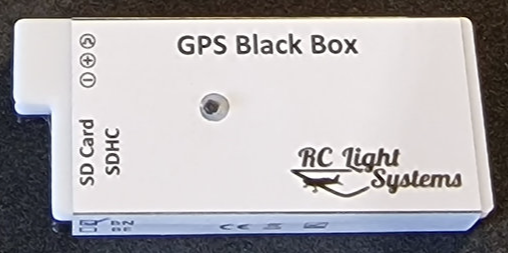
RC Light Systems
GPS Black Box (.txt)
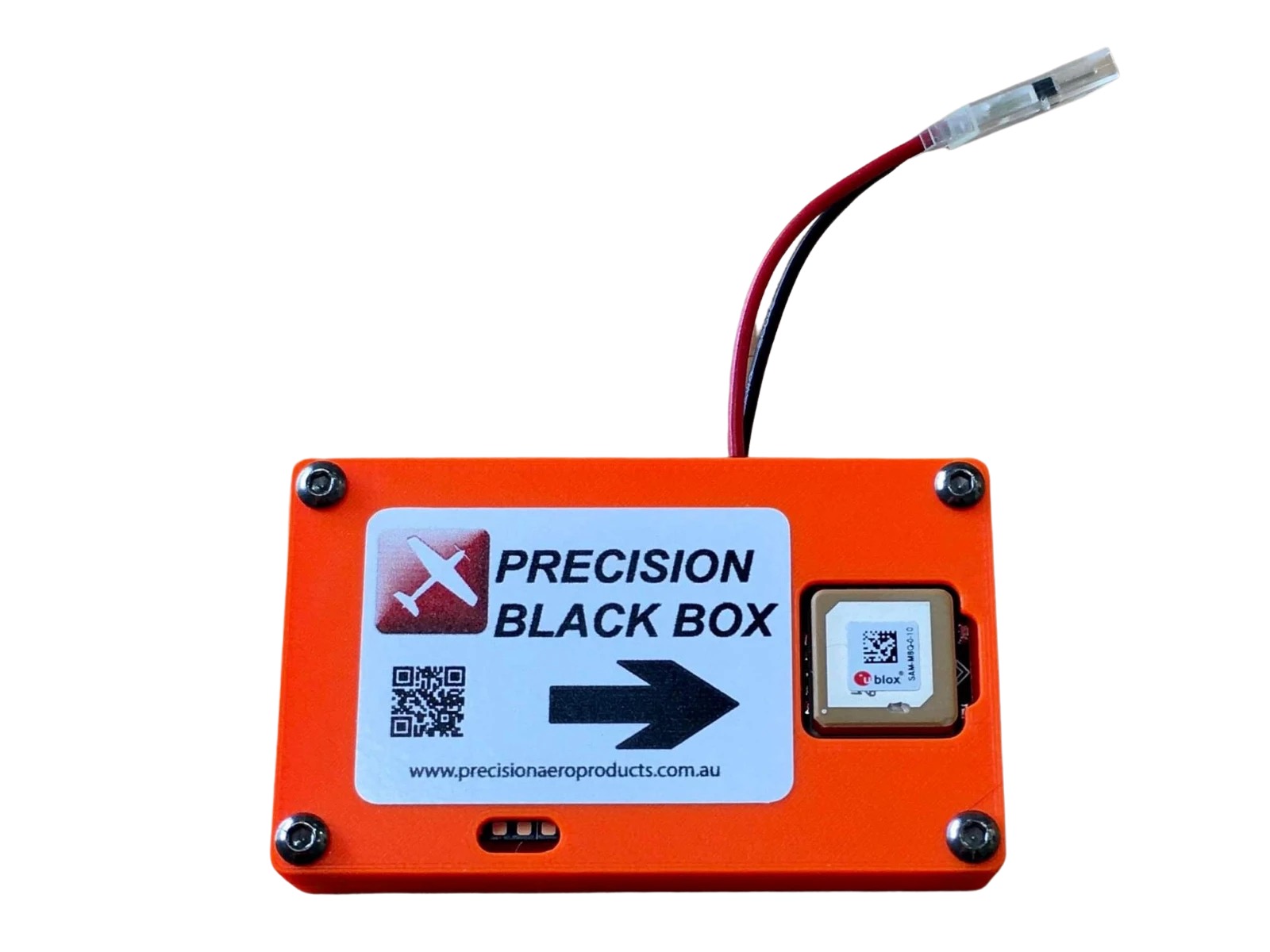
Flight Coach
Precision Black Box (.BIN)
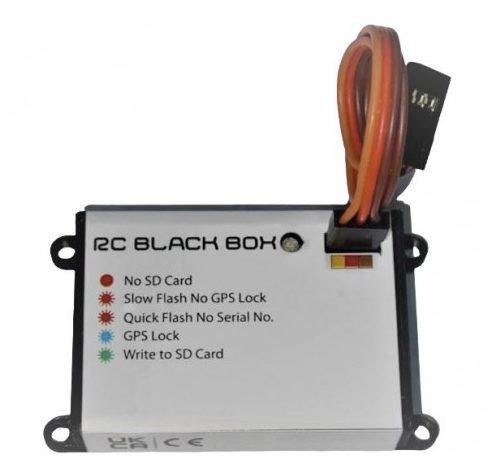
JET Accessories
RC BlackBox (.csv)
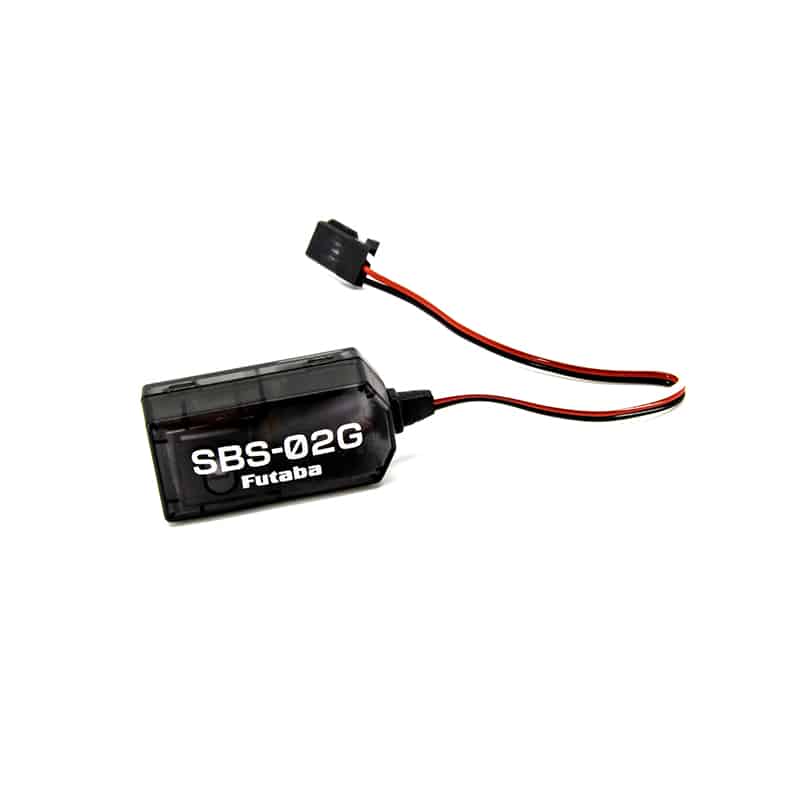
Futaba GPS Sensor
SBS-02G / SBS-01G (.csv)
BETA

Spektrum
Telemetry CSV export (.csv)
BETA

RadioMaster
EdgeTX telemetry CSV (.csv)
BETA

Pixhawk
ArduPilot GPS log (.txt)
Spektrum: Export your telemetry log to CSV first
Spektrum transmitters save telemetry as binary .TLM files. Export to CSV using Spektrum Dashboard before uploading.
- Install Spektrum Dashboard from the Spektrum website
- Load your .TLM file from the transmitter's SD card
- Use File → Export to save as CSV
- Upload the exported .CSV here
Only the CSV export is compatible. Do not upload the .TLM file directly.
Futaba: Convert your .FLD file to CSV first
Futaba transmitters save telemetry as binary .FLD files. These must be converted using Futaba's free software before uploading.
- Download the Futaba Telemetry Log Converter (Windows only)
- Load your .FLD file and export as CSV
- Upload the exported .CSV here
Only the CSV export is compatible. Do not upload the .FLD file directly.
RadioMaster: Upload your EdgeTX telemetry CSV directly
RadioMaster transmitters running EdgeTX save telemetry logs as .CSV files on the SD card — no conversion required.
- Power on your transmitter and fly with GPS telemetry enabled
- After landing, find your log in the
LOGSfolder on the SD card
Files are named likeModelName-YYYY-MM-DD-HHMMSS.csv - Upload the .CSV file here
GPS data is included in the CSV. Make sure your model has a GPS sensor configured in EdgeTX telemetry.
Step 2 — Upload your flight log
Select a GPS device above first
Processing progress
Step 1: Uploading file
Queued
Step 2: Parsing GPS data
Queued
Step 3: Generating viewer link
Queued
Upload your flight to get started.
Want to keep your flights?
Create a free RC Flyer account to unlock the full experience.
Save every flight permanently
Your flights are stored to your account and never deleted.
Track site records & leaderboards
See how your top speed, altitude and distance compare at your local flying site.
Personal records over time
Track your personal bests and watch your flying improve.
Upload direct from the RC Flyer app
One tap upload from your phone — no web browser needed.